
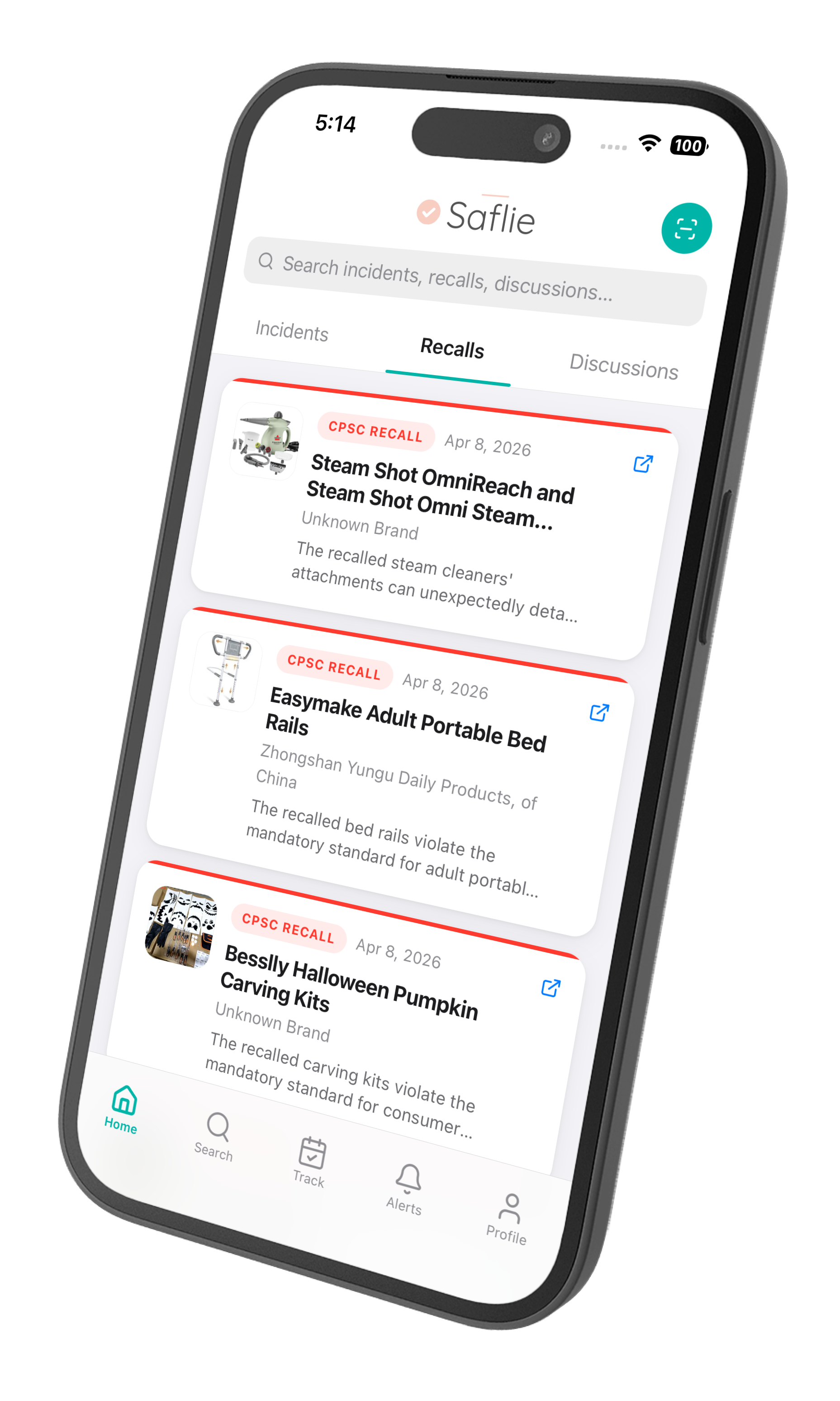
Download Saflie
Downloadable computer application software for tracking product recalls.
Get the full Saflie experience on your mobile phone. Install the app to track recalls, receive safety alerts for consumer products, and protect your family.
No App Store required – Direct download available.
Android
Download the APK directly
- 1Download Saflie App
- 2Open the downloaded file and tapInstall
- 3If prompted, allow installation from unknown sources in Settings
- 4Once installed, find Saflie on your home screen
iPhone & iPad
Works with Safari and Chrome
- 1Open Saflie App
- 2Tap theShare button (square with upward arrow)
- 3Scroll down and tapAdd to Home Screen
- 4EnableOpen as Web App for the best full-screen experience
- 5TapAdd in the top right corner
Why install Saflie?
Quick access from your home screen
Full-screen app experience
Works offline after first load
Automatic updates